Fast Client-Side Synthesis Without Studio Software Overhead
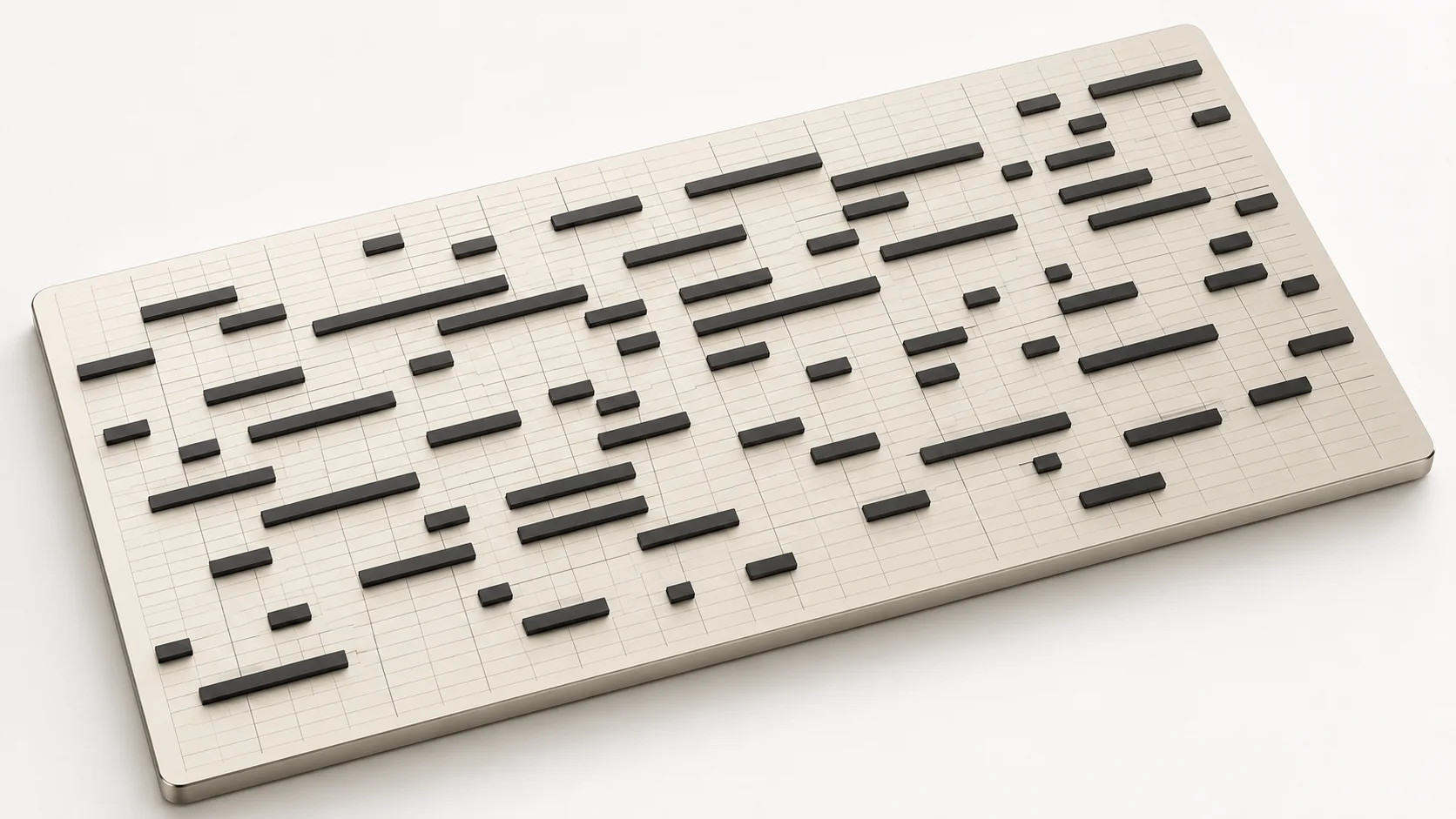
Standard MIDI Files contain musical performance instructions—such as note pitches, timing intervals, velocity curves, and channel designations—rather than audible acoustic waveforms. When you need to verify how an arrangement sounds, review exported chord patterns, or generate a rapid audio preview, opening a bulky digital audio workstation simply to assign virtual instruments creates unnecessary workflow friction. SampLab Pro eliminates this delay by performing client-side MIDI to Audio synthesis directly within modern web browsers via Web Audio APIs. The client-side parser reconstructs polyphonic note tracks across designated channels and routes events to responsive, lightweight sound generators. You receive immediate acoustic feedback, balance checks, and clean WAV exports in seconds, completely free from plugin installations, license managers, or complex routing setups.
Please note that SampLab Pro is an independent web utility and is not affiliated with, endorsed by, or a continuation of the discontinued Samplab desktop VST or samplab.com, nor is it connected to ByteDance, Volcengine, or any official Seed Audio portal. Our browser synthesis environment utilizes lightweight, utility-focused sound generators and preview soundfont-style timbres engineered specifically for rapid monitoring, musical verification, and draft playback. It is not an orchestral sample library, high-end commercial ROMpler, or full DAW instrument host. We do not provide guaranteed commercial licensing or indemnification for the underlying synthesized timbres; creators remain solely responsible for clearing rights or substituting production-grade master instruments prior to commercial release.

Understanding Client-Side Sequence Synthesis
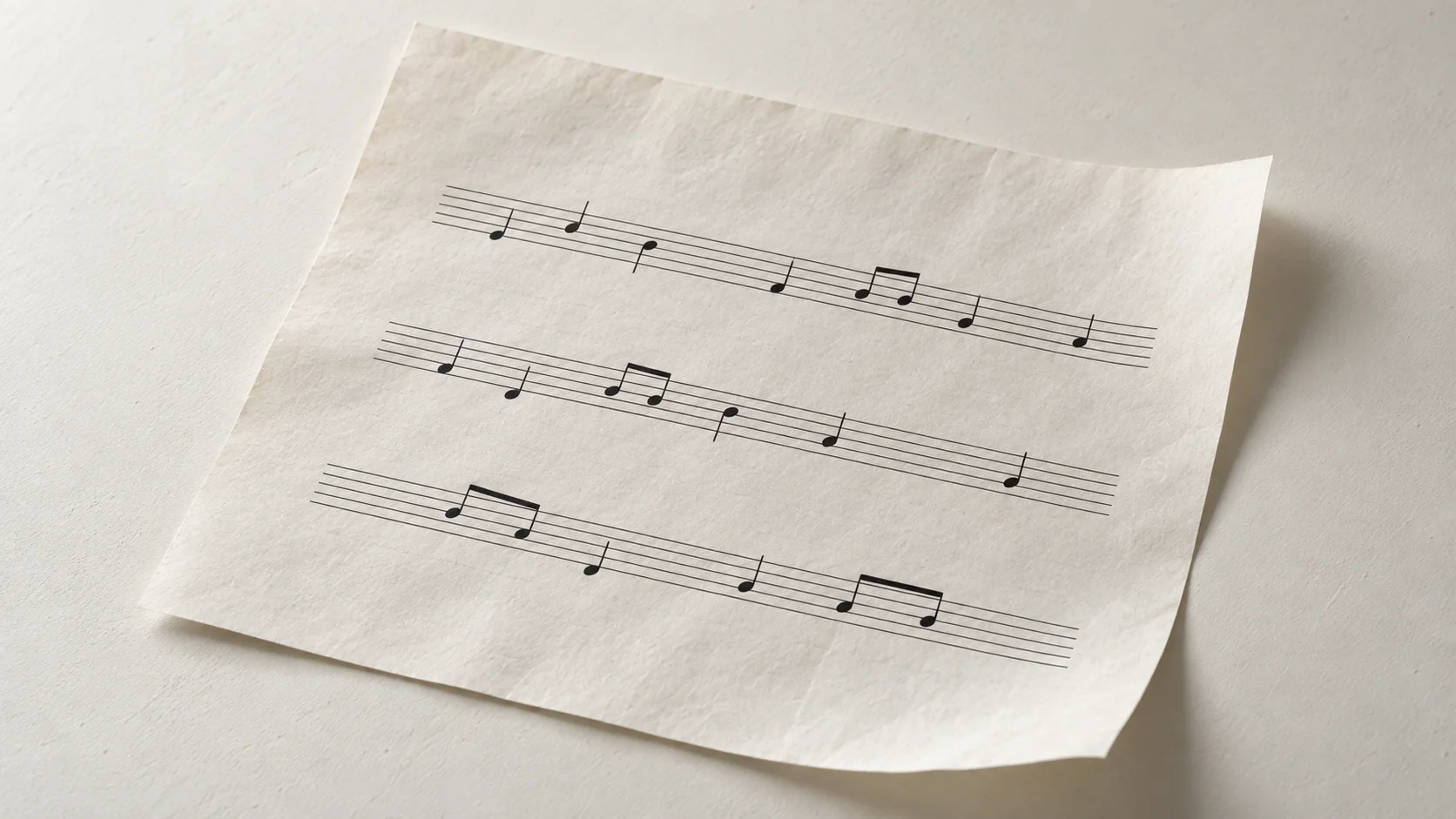
Standard MIDI Files do not carry acoustic sound waves; they function like digital sheet music, instructing an audio synthesizer when to start a note, what pitch to strike, how firmly to press the key, and when to release. When you perform a MIDI to Audio conversion in SampLab Pro, the application's client-side parser scans the header chunk and track data of your Standard MIDI File. It decodes the division timing (PPQ), converts delta-time ticks into precise millisecond intervals based on tempo events, and maps each channel's program change commands to lightweight internal synthesis models. By taking advantage of the browser's native Web Audio API and fast calculation routines, the engine synthesizes multi-voice oscillators, envelope generators, and resonant filtering in real time. The resulting audio buffer is rendered directly into local RAM, producing an accurate stereo stream that faithfully mirrors the arrangement encoded in the original file.
Because SampLab Pro is an independent browser utility engineered for accessibility, it utilizes functional, lightweight synthesis algorithms rather than multi-gigabyte orchestral sample pools. This technical trade-off ensures that anyone can render sequence files on low-power laptops, Chromebooks, or mobile workstations without experiencing lag or crashing system memory. However, this also means our timbres represent utility-grade preview approximations rather than certified commercial master assets. Users intending to publish music on commercial streaming platforms, television networks, or commercial sample packs should treat audio rendered here as reference demos or scratch tracks, ensuring they license dedicated commercial virtual instruments for finished production masters.
Frequently Asked Questions
Is SampLab Pro connected to the discontinued Samplab VST or samplab.com?
No. This website is an entirely independent web platform. It is not affiliated with, endorsed by, or a continuation of the discontinued Samplab desktop VST plugin or samplab.com, nor does it share codebase or corporate ties with ByteDance, Volcengine, or official Seed Audio initiatives.
Can I drop an MP3 or WAV recording into this tool to render sound?
No. This tool is strictly a sequence-to-sound renderer designed to decode Standard MIDI Files (.mid and .midi). It does not accept recorded audio files like MP3, WAV, or FLAC. If you need to convert recorded audio into note data, please explore the separate Audio to MIDI utility within this suite.
Are the rendered instrument sounds licensed for commercial music release?
The synthesis engines provided here are lightweight preview voices designed for arrangement checks, education, and scratch tracks. We do not provide guaranteed commercial licensing or indemnification for the generated audio timbres. If you plan to release your music commercially, you must clear your own rights or re-render your sequence in a professional DAW using fully licensed sample libraries.
Why use an in-browser converter instead of a traditional DAW?
Traditional DAWs require significant system resources, lengthy boot sequences, plugin scanning, and complex audio routing just to preview a sequence. Our online engine enables instantaneous MIDI to Audio synthesis directly in your browser tab, making it the perfect tool for quickly checking exported parts, sharing sequence references, or working on lightweight portable devices.
Are my MIDI sequence files uploaded or stored on an external server?
No. All file parsing, timing calculation, and audio synthesis happen entirely inside your web browser. The application does not transmit your .mid files, note events, or rendered WAV audio to any external cloud servers, guaranteeing complete privacy and confidentiality for your original musical compositions.
What audio file format does the in-browser converter export?
The exporter renders audio output as uncompressed, high-fidelity stereo WAV files. This ensures your exported scratch tracks, reference stems, and playback previews maintain pristine fidelity without destructive MP3 compression artifacts or lossy frequency truncation.
Does this utility require a user account or subscription to render files?
No. The platform operates without account signups, user profiles, paid subscription walls, or recurring billing. You simply open the page, drop your Standard MIDI File, preview the voices, and render your audio immediately.
Can I convert multi-channel Type 0 and Type 1 MIDI files?
Yes. The engine supports both single-track Type 0 and multi-track Type 1 Standard MIDI Files. It parses individual channels, tracks polyphonic voice allocations, and balances parts into a cohesive stereo mix for quick preview and WAV export.
Independent web utility. Not affiliated with or endorsed by the discontinued Samplab VST or samplab.com.