Frequently Asked Questions About the Lead Sheet Generator
Is SampLab Pro affiliated with the discontinued Samplab VST or samplab.com?
No. SampLab Pro is an entirely independent browser music utility site and has no connection, partnership, or affiliation with the discontinued Samplab VST software, its former developers, or samplab.com. The Lead Sheet Generator is an independent web application created to help musicians generate quick notation directly in the browser.
Do I need to download or install software to use the Lead Sheet Generator?
No installation is required. SampLab Pro operates entirely within modern web browsers like Chrome, Firefox, Safari, and Edge. You do not need to install VST plugins, external drivers, licensing dongles, or desktop notation software to create readable charts.
What file formats does the on-page drop well accept?
The on-page drop well currently accepts standard MIDI files with .mid or .midi extensions, up to a maximum file size of 50MB. Audio files like MP3 or WAV are not directly accepted in the drop well; your musical ideas must be in standard MIDI format.
Does SampLab Pro provide publishing-grade engraving?
No. The Lead Sheet Generator is designed for rapid rehearsal charts, study aids, and songwriting sketches. While SampLab Pro creates clear and legible notation, it does not guarantee publishing-ready engraving quality, fine typographical control, or output that matches the refined work of an experienced human copyist.
Are my musical files and compositions kept private during processing?
Yes. SampLab Pro processes your MIDI data locally within your browser using client-side JavaScript. Your musical performance data, proprietary chords, and compositions are not uploaded, stored, or processed on remote web servers, ensuring complete creative privacy.
Can the Lead Sheet Generator replace a full-featured desktop score editor?
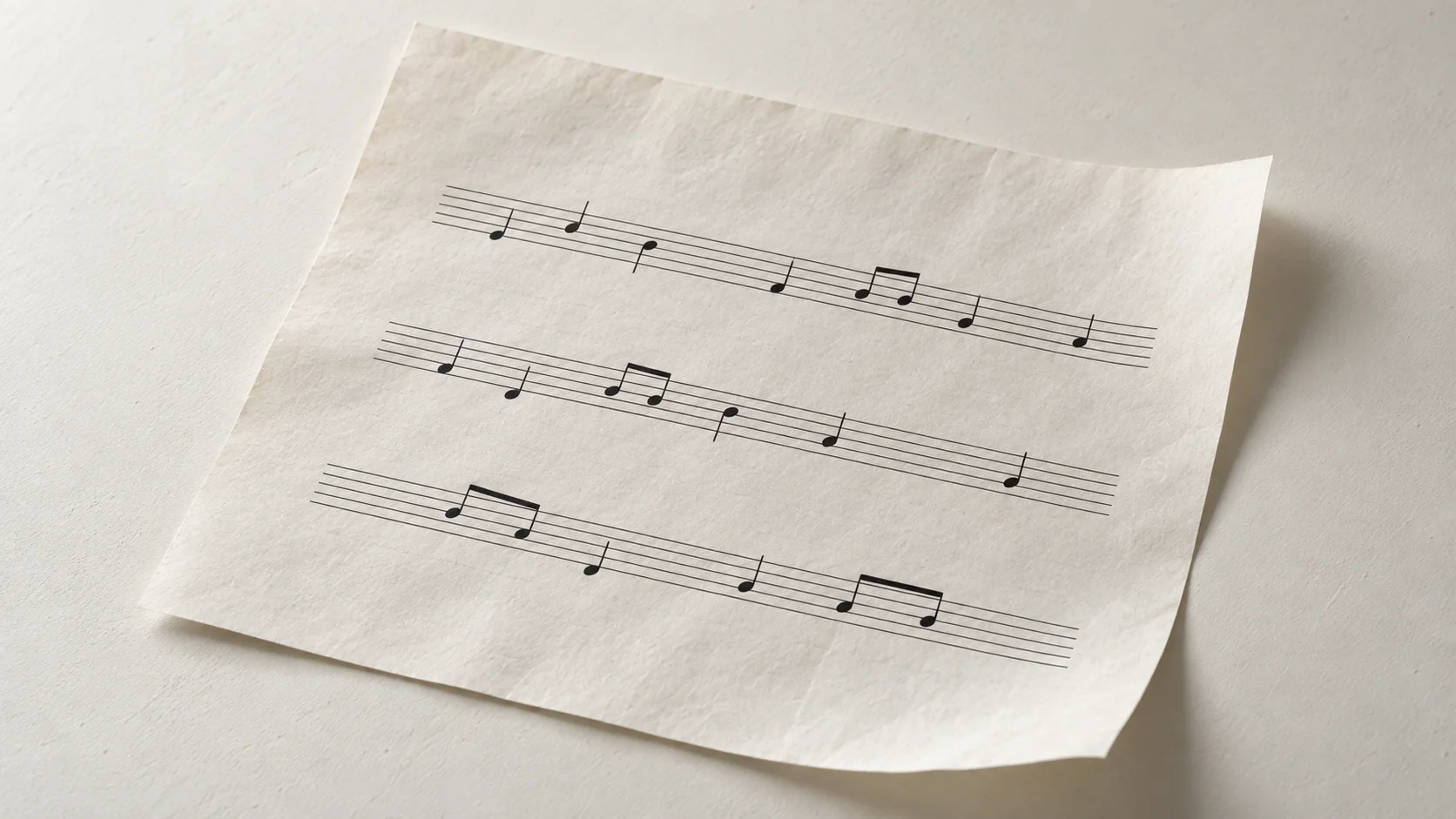
No. The tool is specialized for concise lead sheets featuring single-stave melody lines, measure boundaries, and chord symbols. It is not intended to replace full-scale desktop score editors designed for complex multi-instrument orchestral arrangements or intricate contemporary classical notation.
How can I generate a lead sheet from an audio performance recording?
To create a lead sheet from an audio recording, you must first convert your audio performance into a standard MIDI sequence using an external audio-to-MIDI transcription workflow. Once you have the resulting .mid or .midi file, simply load it into SampLab Pro to render notation.
Can I use the lead sheets generated by SampLab Pro for commercial releases?
The Lead Sheet Generator provides notation utilities as an independent web tool without warranties, commercial guarantees, or service level agreements (SLAs). Commercial suitability of generated sheets is not guaranteed, and musicians remain solely responsible for ensuring full copyright clearance and performance rights for their underlying music.
Streamline Your Rehearsal Preparation with SampLab Pro
Bring immediate clarity to your next rehearsal, jam session, or songwriting meeting. The Lead Sheet Generator turns complex MIDI tracks into clean, readable lead sheets with melody staves and chord symbols in seconds. Experience fast, private, browser-based notation without subscriptions, installs, or unnecessary complexity with SampLab Pro.
Create Lead SheetIndependent web utility. Not affiliated with or endorsed by the discontinued Samplab VST or samplab.com.